Features
Update Lens Firmware and Adjust Settings
- Used via TAP-in Utility App for Mac/PC
- For Select Nikon F-Mount Tamron Lenses
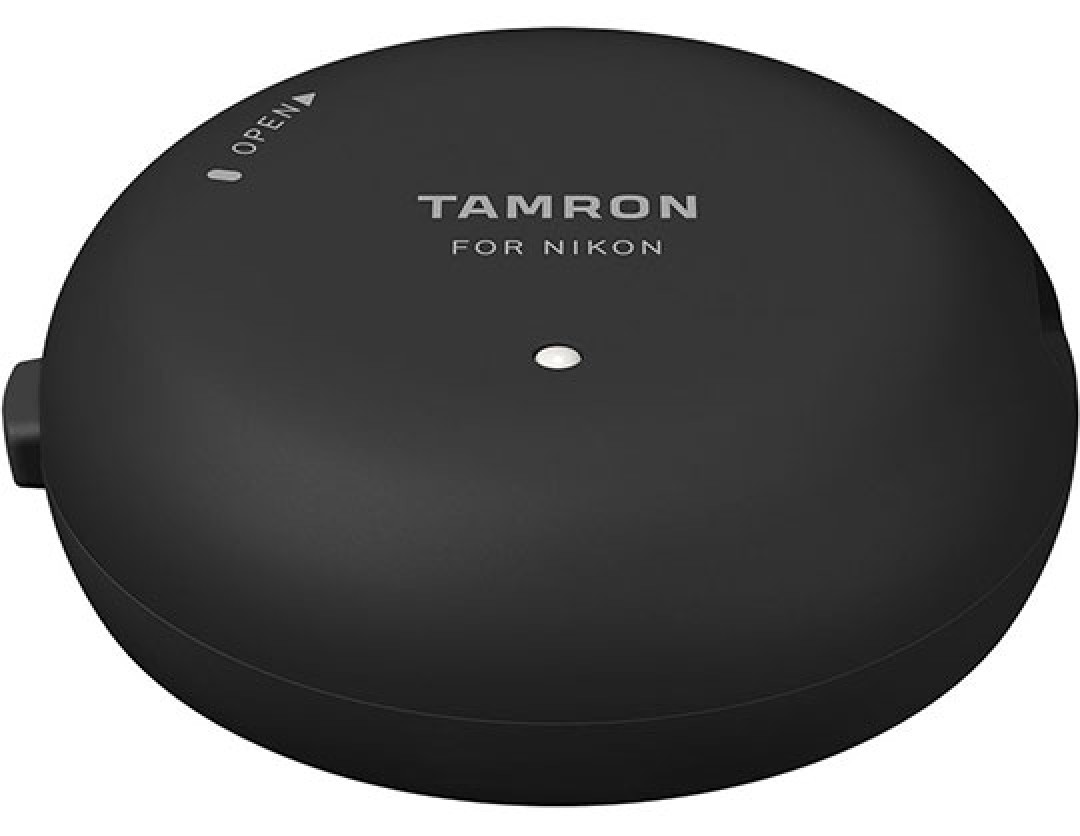
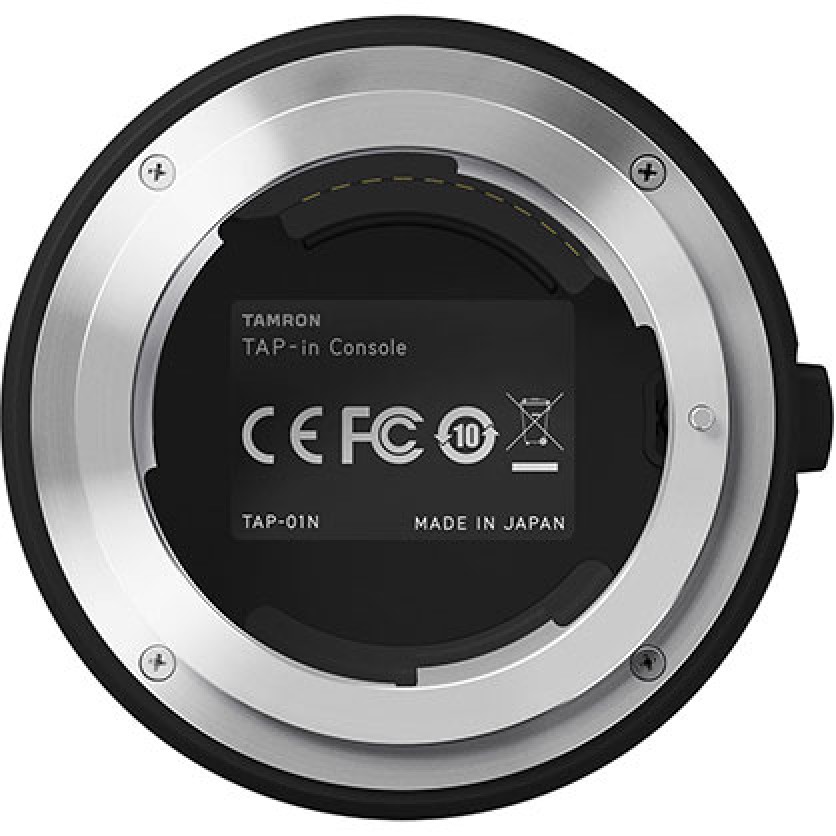
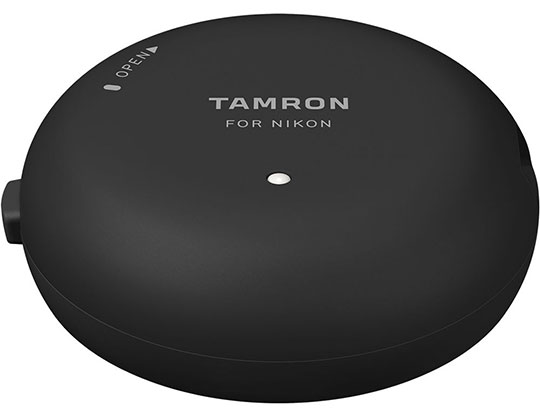
Allowing users to fine-tune the performance and update the firmware of select Nikon F-mount Tamron lenses, the TAP-in Console is a simple attachment that gives more control over how SP-series lenses respond during operation. Used in conjunction with the TAP-in Utility software for Mac and Windows, this console connects to Nikon F lenses at the bayonet mount and permits customization over focus adjustment, focus distance limiter, VC adjustment, and full-time manual focus override settings. Additionally, lens firmware can also be updated by accessing a dedicated website while the lens is attached to the console. Offering enhanced and personalized control over a range of lens settings, the TAP-in Console ensures lens' firmware is kept up-to-date and permits configuring settings to suit specific shooting tasks.
Lens Compatibility
This console is compatible with Nikon F-mount versions of the following lenses:
- 10-24mm f/3.5-4.5 Di II VC HLD
- SP 15-30mm f/2.8 Di VC USD G2
- 17-35mm f/2.8-4 Di OSD
- 18-400mm f/3.5-6.3 Di II VC HLD
- SP 24-70mm f/2.89 Di VC USD G2
- SP 35mm f/1.8 Di VC USD*
- SP 45mm f/1.8 Di VC USD*
- SP 70-200mm f/2.8 Di VC USD G2
- 70-210mm f/4 Di VC USD
- SP 85mm f/1.8 Di VC USD
- SP 90mm f/2.8 Di Macro 1:1 VC USD
- 100-400mm f/4.5-6.3 Di VC USD
- SP 150-600mm f/5-6.3 Di VC USD G2
*An initial firmware update performed by a Tamron service facility on these lenses is required to enable compatibility with Tamron's TAP-in Console.
Customization Options
Focus Adjustment: Focus can be adjusted in three distance ranges-close, intermediate, and far-and for zoom lenses, an additional eight segments are available for a combined total of 24 adjustable regions. This lets you make micro adjustments to how a lens focuses, as well as compensate for any unwanted front- or back-focusing issues.
Focus Distance Limiter Customization: For lenses featuring a Focus Limiter switch, this setting lets you configure the specific distance ranges, using near and far distances, the lens-based switch will constrain focus to.
VC Adjustment: For lenses featuring Vibration Compensation, a choice of three different VC modes can be selected for use, including an option to prioritize the viewfinder image stabilization, an option to prioritize stabilization during shooting, and an option to balance stabilization between the viewfinder and captured images.
Full-Time Manual Focus Override Customization: For lenses with full-time MF override, this setting lets you set the mode to ON or OFF as well as fine-tune the sensitivity of the focusing ring between High and Low ranges.
Firmware Updating
In addition to customizing lens attributes, the console can also be used for updating lens firmware, and the console's firmware can also be updated using an Internet connection and by accessing a dedicated website.
TAP-in Utility Software
Used to control the customization options, this free software is an intuitive means for adjusting the range of customizable options available for each lens. The software is compatible with Mac OS X 10.10-11 or Windows 10/8.1/8/7 operating systems with an Intel or Core2 Duo or faster processor, respectively. Additionally, 1GB of RAM and disk space is required for the free application, as well as a USB 2.0 port for connecting the console to the computer.




 In Stock