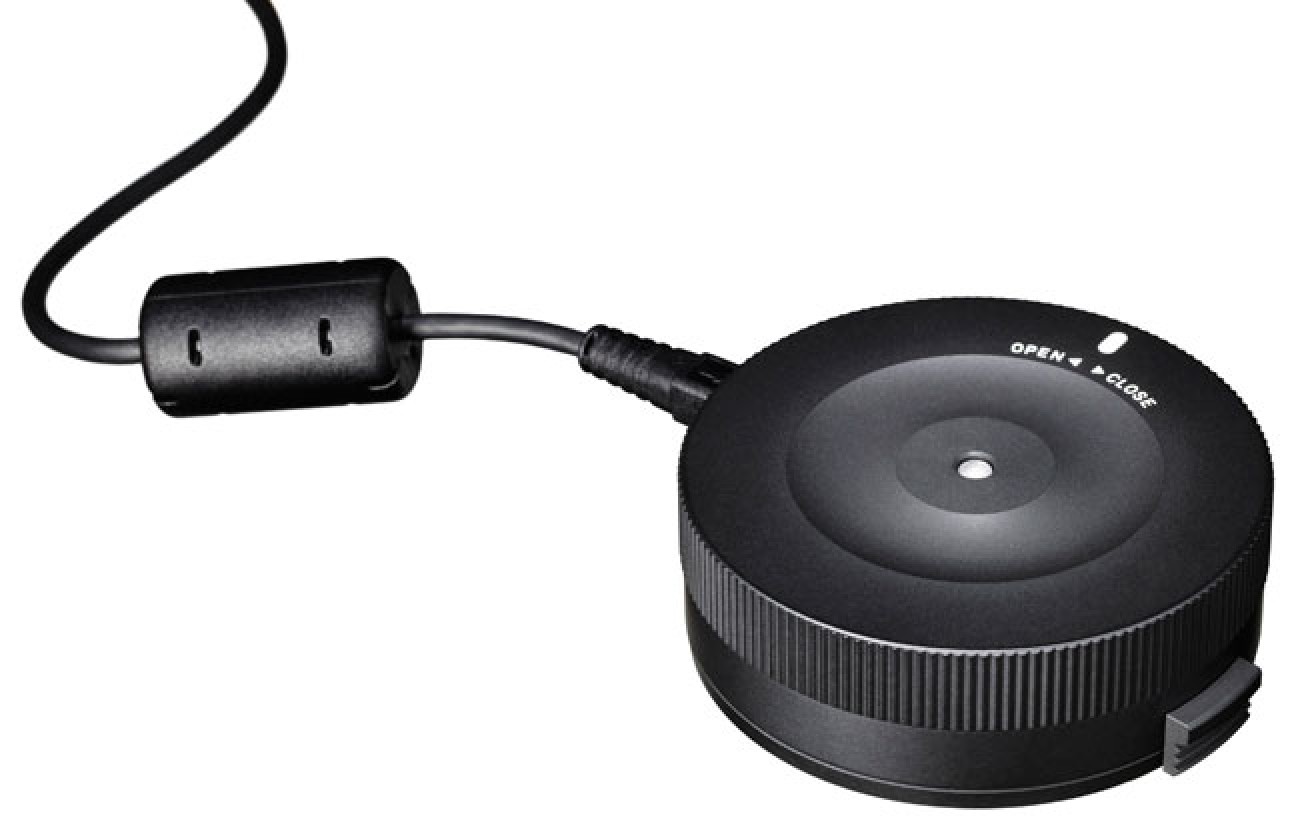
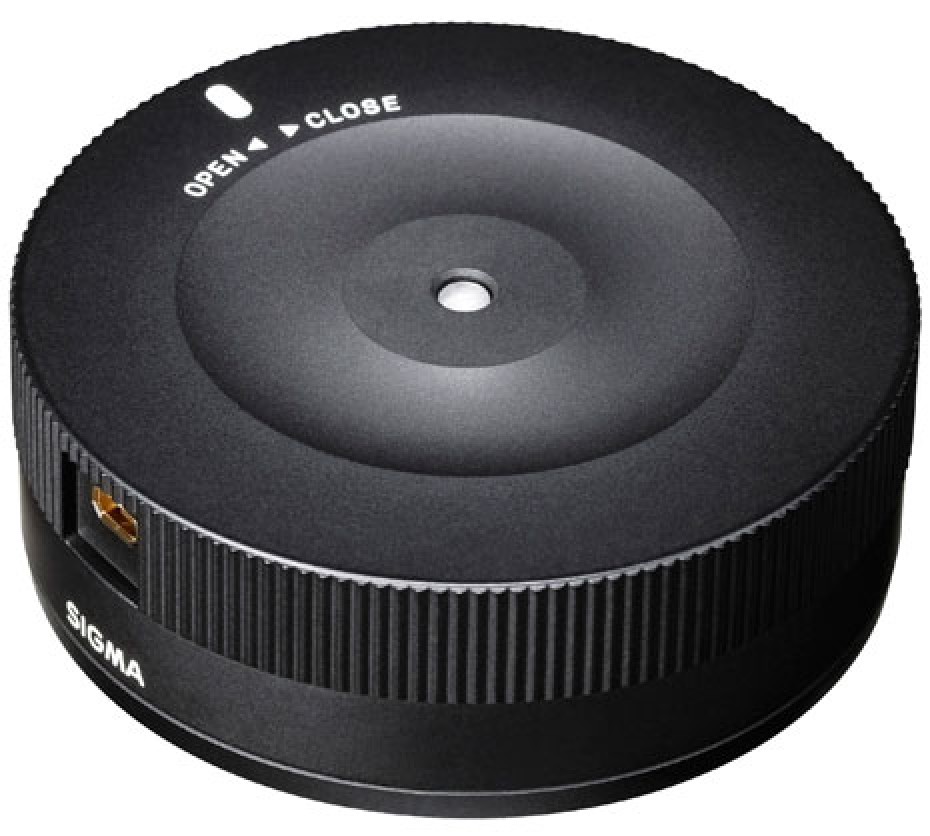
The Sigma USB Dock for Nikon lenses enables easy firmware updates and focus adjustments, providing compatibility with the Sigma Art, Contemporary, and Sports lines. With the Sigma Optimization Pro software, you can customise focus settings, enhancing shooting precision. Sports line lenses benefit from additional configurations, including adjustable AF speed modes, focus distance constraints, and optical stabiliser modes, allowing for tailored performance to match your shooting style.
Features
The Sigma USB Dock for Nikon Lenses allows you to connect your Sigma Global Vision lenses to your computer in order to update firmware and adjust focus setting parameters using the Sigma Optimization Pro software.
This dock is only compatible with the Sigma Art, Contemporary, and Sports line lenses featuring a Nikon F lens mount.
Sigma Optimization Pro
Once a Sigma Art, Contemporary, or Sports line lens is connected, you can use the Sigma Optimization Pro software to configure focus settings and update lens firmware.
Focus Settings
For all lines of lenses, there are four categories for prime lenses and 16 categories (four options for focal length, four options for shooting distance) for zoom lenses available. These categories allow you to set certain focusing settings to better suit your personal shooting style.
Sports Line-Specific Settings
If using a Sports line lens, additional lens configurations are available: three different AF speed modes to modify how quickly the lens changes focus
the ability to constrain focus distances within a specific range to suit your personal shooting habits
three Optical Stabilizer modes to suit the manner in which you are shooting.