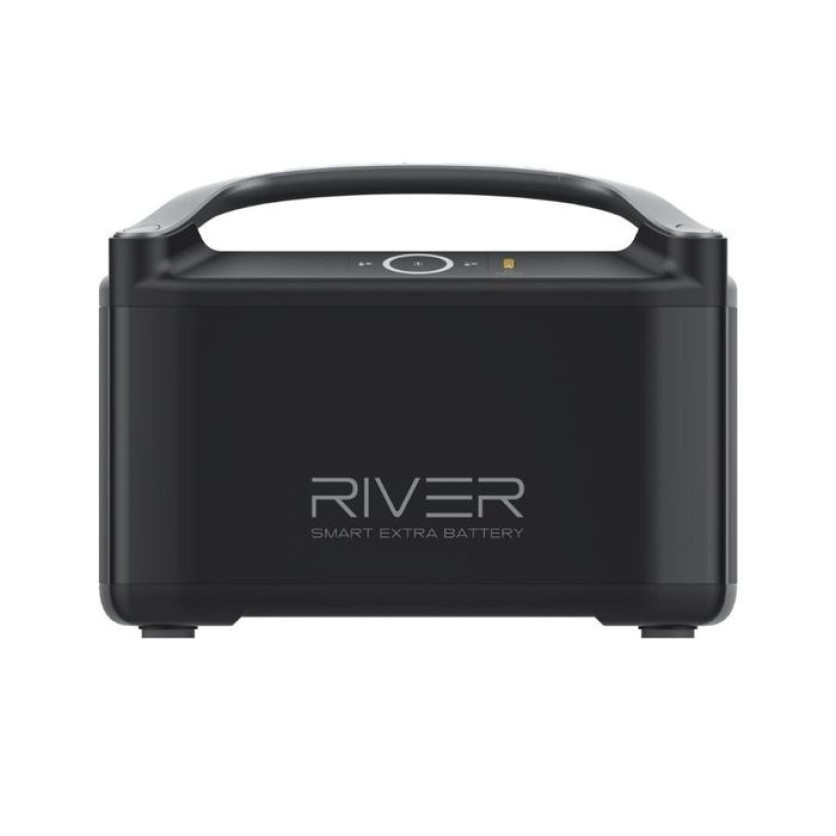
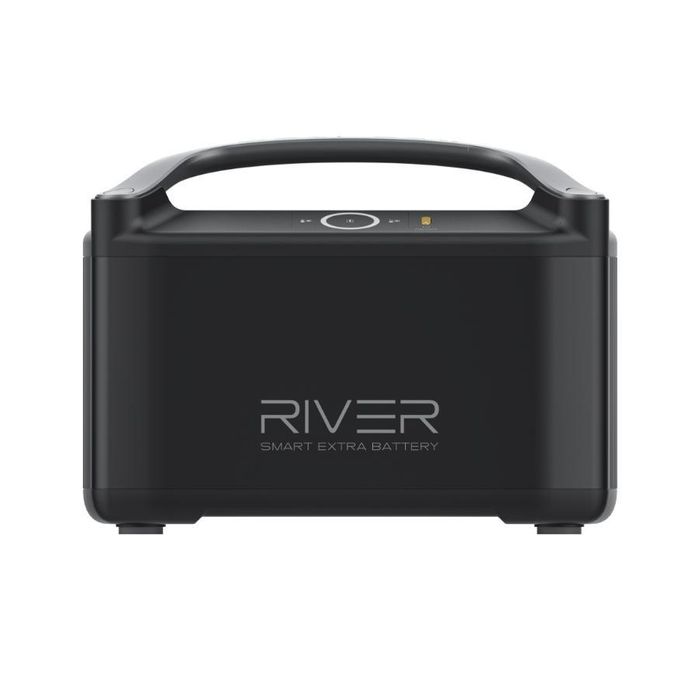
The RIVER Pro Extra Battery doubles your power capacity from 720Wh to 1440Wh, offering extended energy for any adventure. Despite its increased power, it remains portable, weighing just 15.4 lbs, making it easy to transport and fit in a car trunk. This flexibility allows you to bring reliable power wherever you go, whether on a camping trip or at home.
Features
The RIVER Pro Extra Battery doubles the capacity of RIVER Pro from 720Wh to 1440Wh, giving you the freedom to customize your power for any adventure.
The RIVER Pro Portability
The RIVER Pro weighs just 15.9 lbs and the RIVER Pro Extra Battery weighs 15.4 lbs, making them both portable and easy to transport. The RIVER Pro + Extra Battery can easily fit in a car trunk, on a campsite, or indoors, giving you the power to take your adventure anywhere.
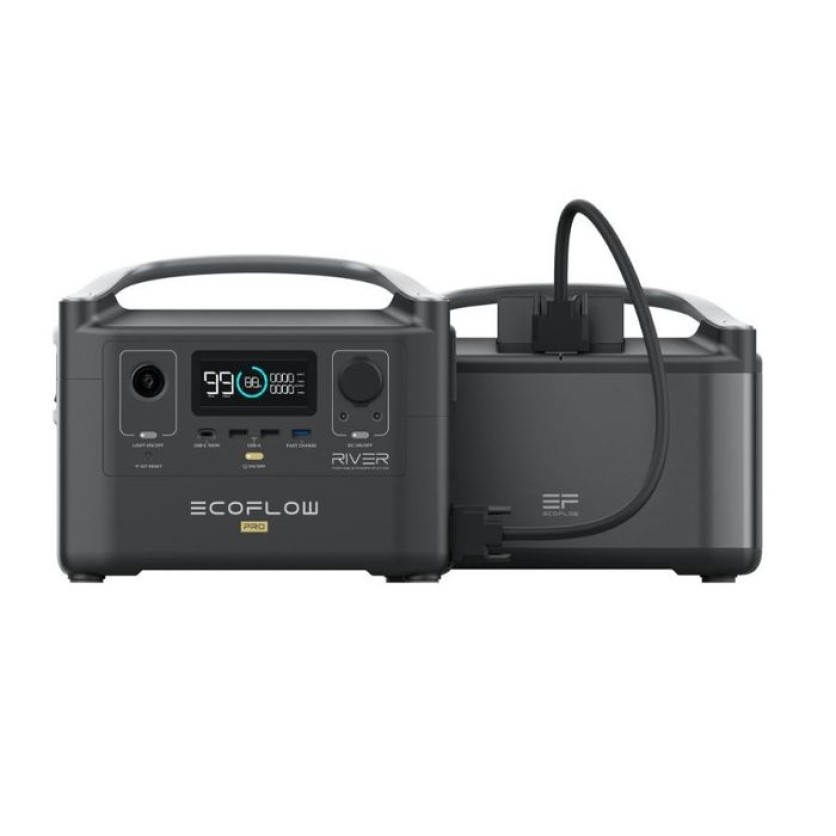
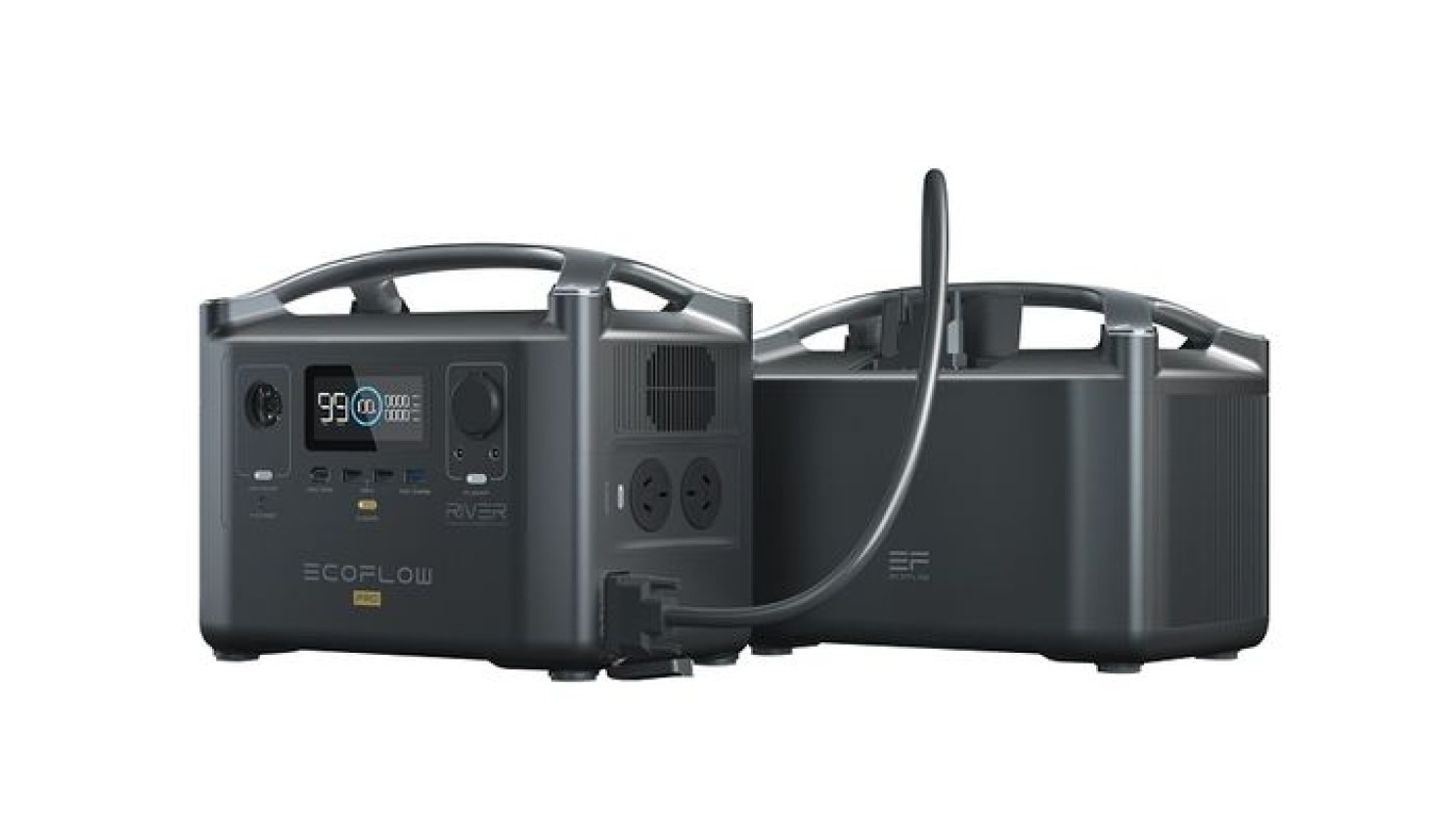
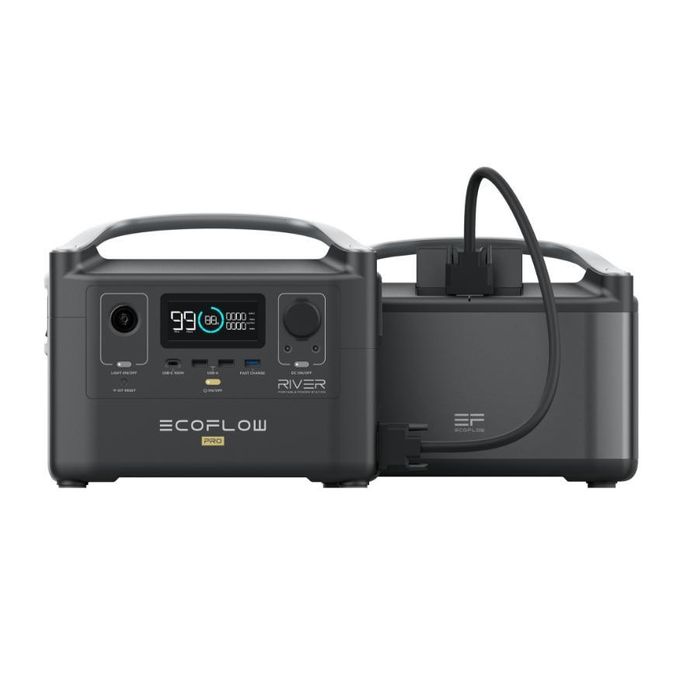
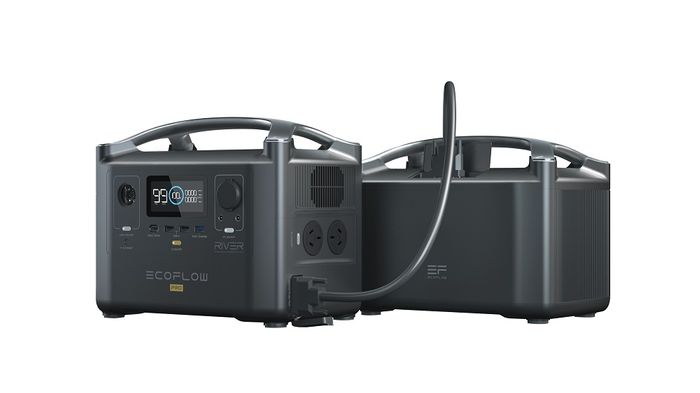
How to Connect the RIVER Pro Extra Battery to the RIVER Pro
Power off BOTH the RIVER Pro and RIVER Pro Extra Battery before attempting to connect them together.
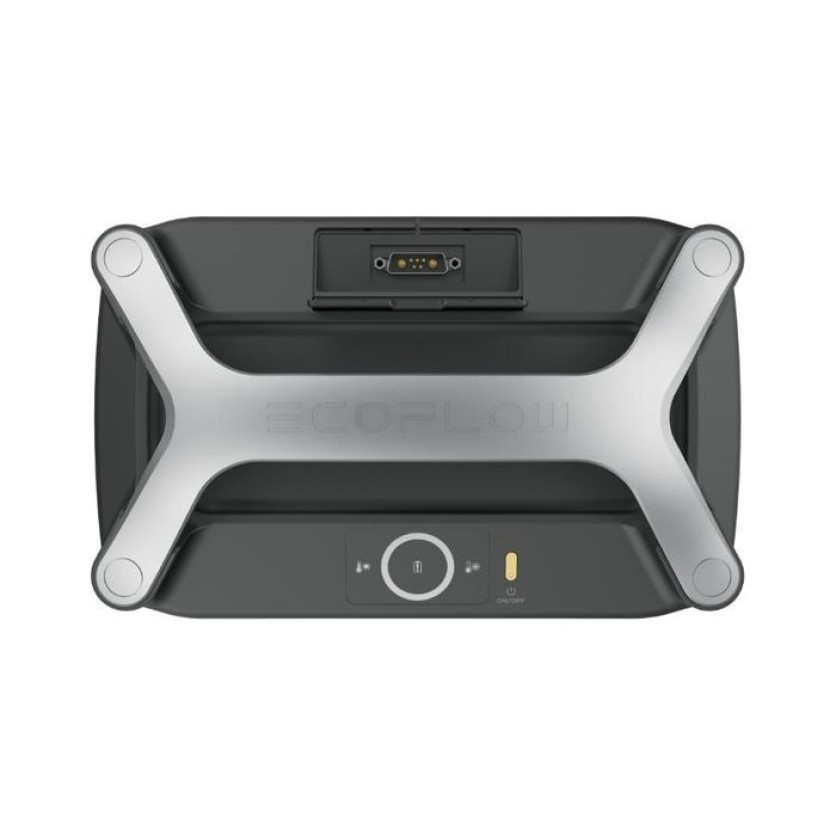
Open the Power Expansion Port cover on RIVER Pro to access the Power Expansion Port. Connect the Expansion Power Cable to the RIVER Pro Expansion Power Port. Tighten the screws on the Expansion Power port securely.
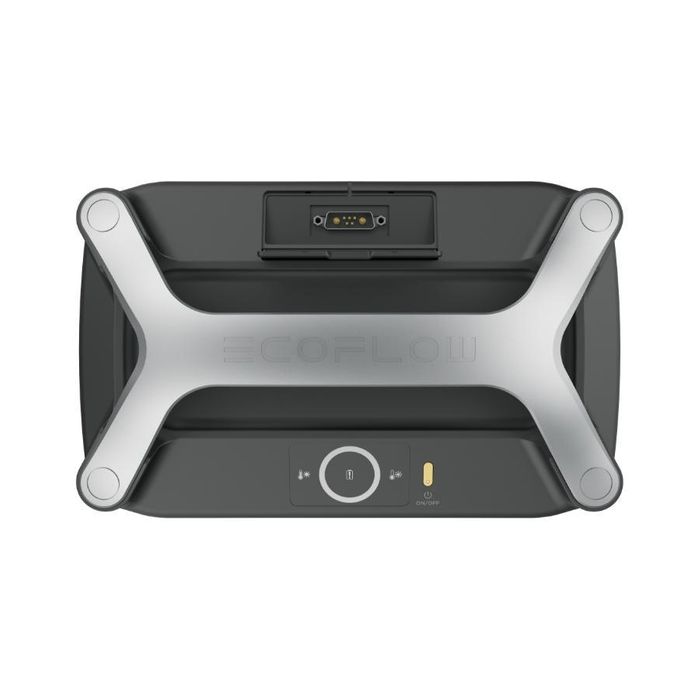
Open the Expansion Port Cover of the RIVER Pro Extra Battery to access the Expansion Power Port. Connect the free end of the Expansion Power Cable to the RIVER Pro Extra Battery Power Expansion Port. Tighten the screws on the Expansion Power port securely.
Turn on the power button of the RIVER Pro or RIVER Pro Extra Battery. Fully charge the devices for the first time and ensure the voltage is consistent to maximize the performance. If the display of the RIVER Pro shows the Extra Battery Icon, the connection is successful.



 In Stock
In our warehouse
Available for home delivery
Out of stock
In Stock
In our warehouse
Available for home delivery
Out of stock