Features
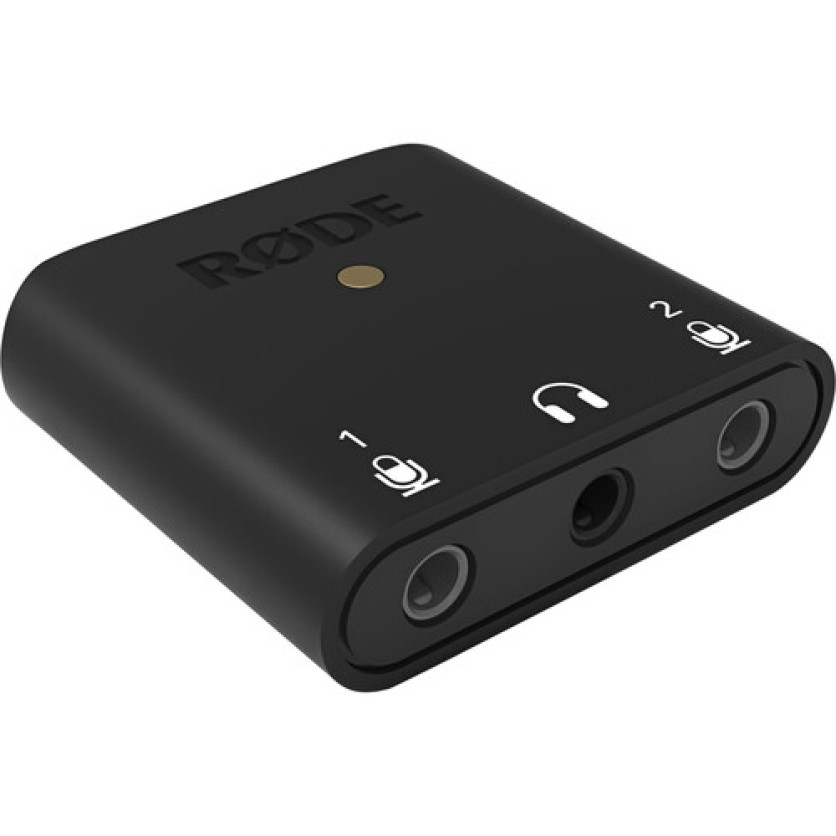
Swiftly record two-person interviews, podcasts, and vlogs straight to your smartphone, tablet, or computer with the RODE AI-Micro ultracompact audio interface and your trusty 3.5mm equipped microphones. Pocket friendly and bus powered, the AI-Micro is perfect for keeping your setup small and simple while maintaining quality, and enjoying convenient optimization and expanded functionality through Rode's suite of popular apps.
Auto-Sensing Inputs
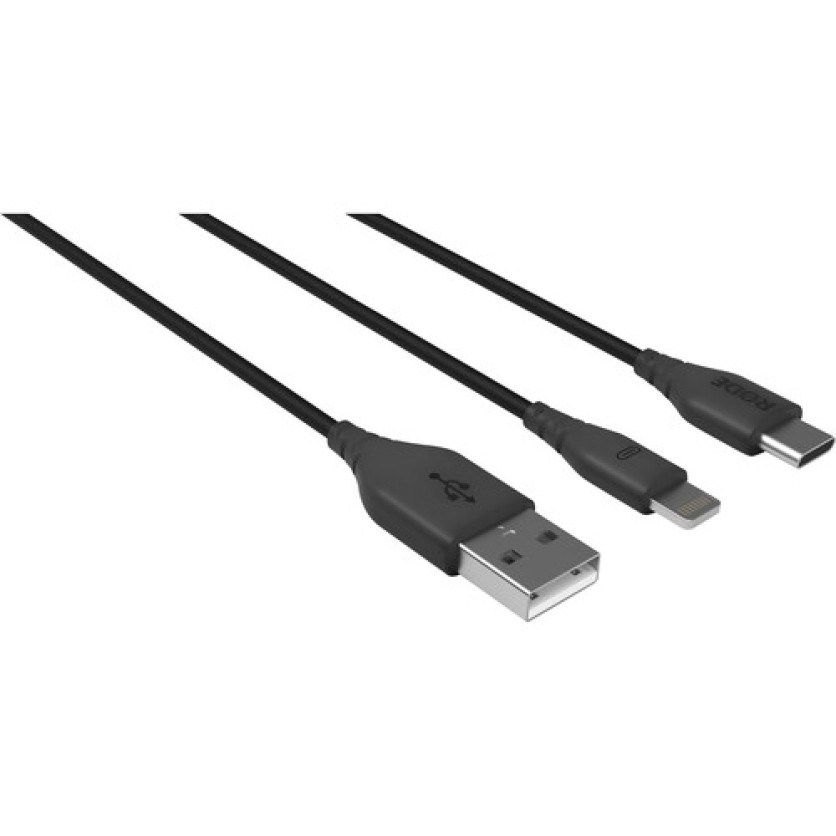
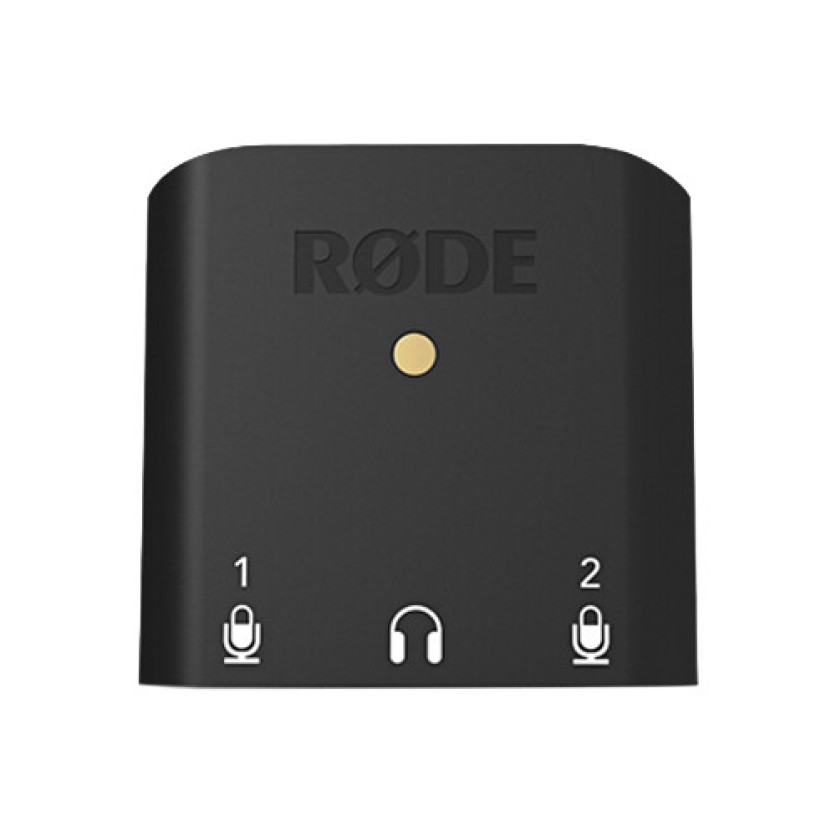
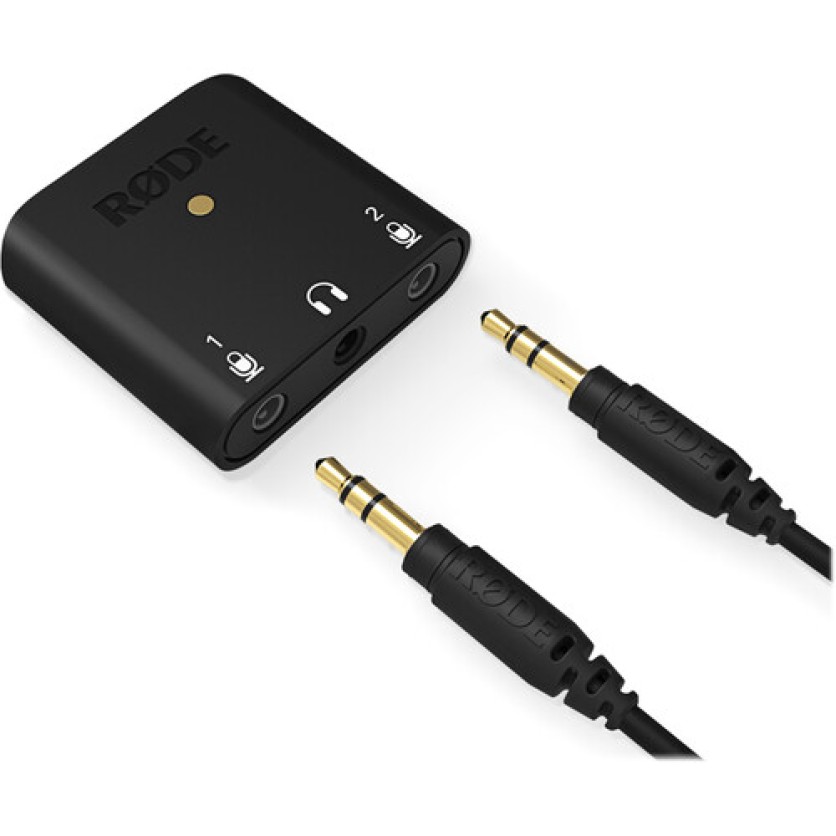
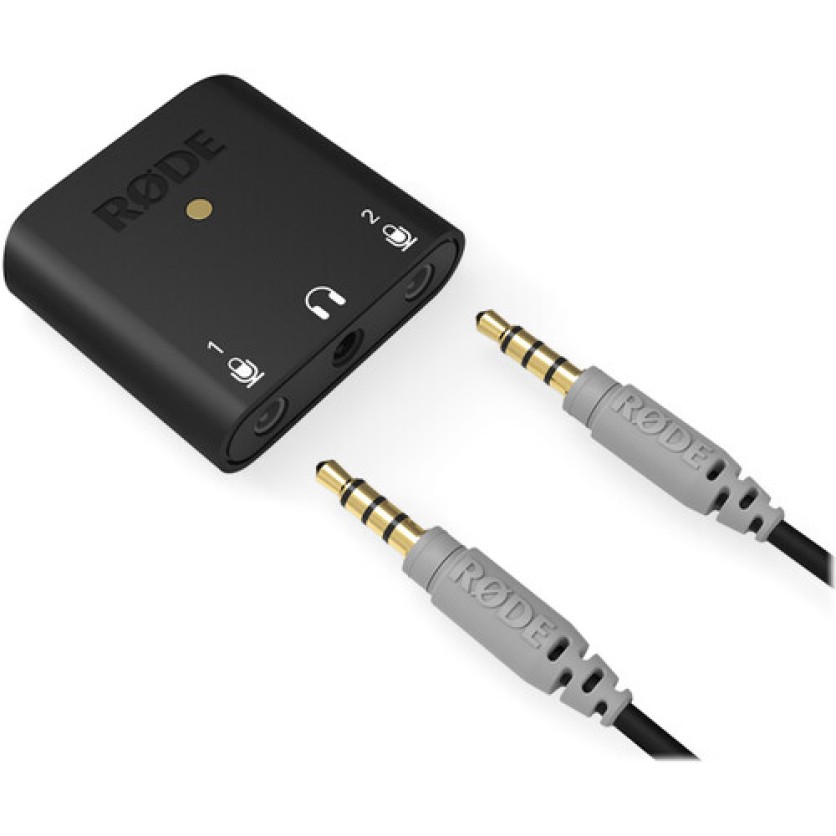
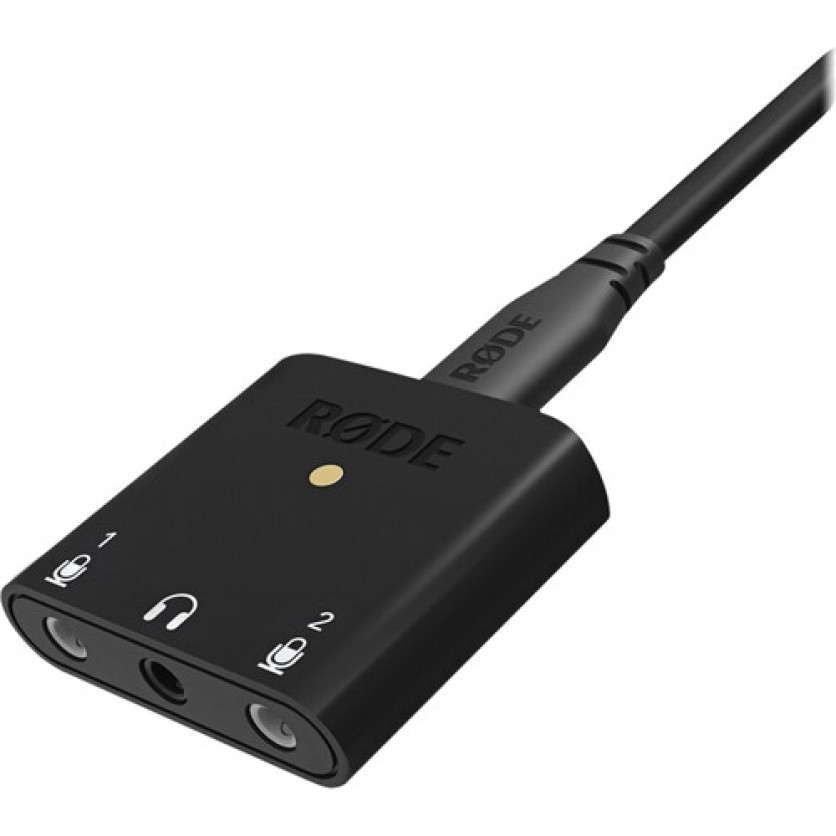
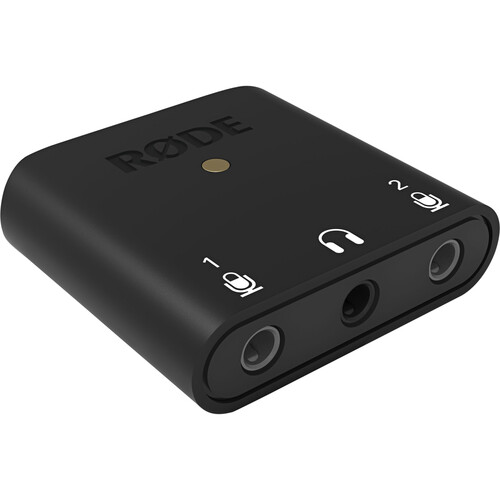
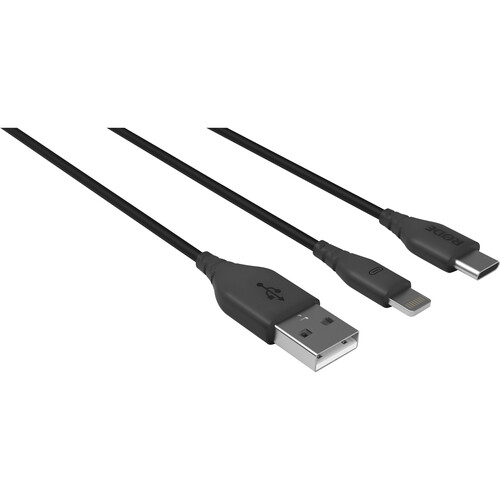
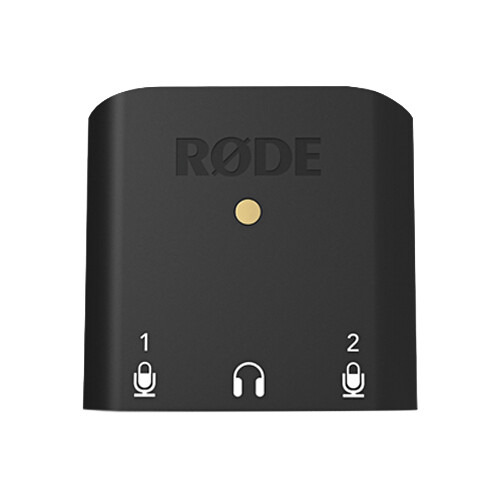
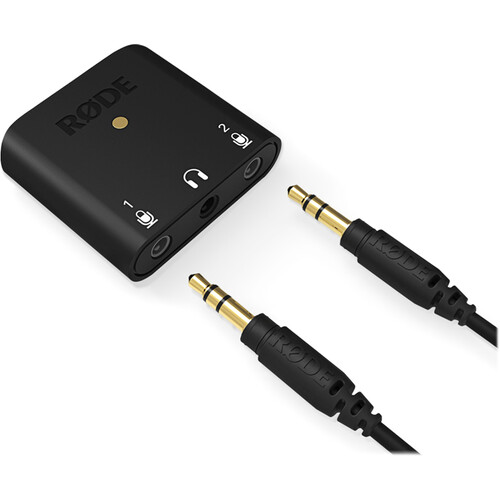
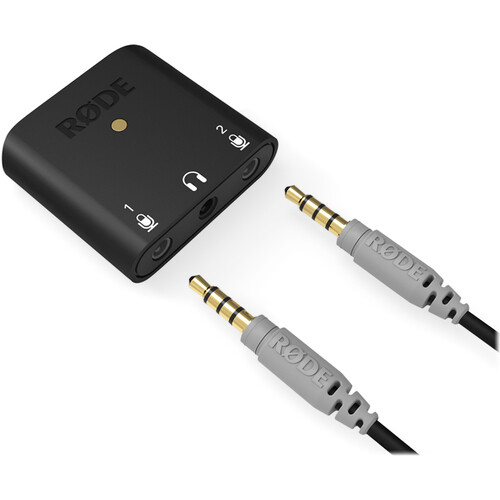
The interface's two mic inputs are auto-sensing jacks, allowing them to accept signal from a broad range of TRS/TRRS microphones without needing additional adapters. Monitor the live signal or playback via the built-in, zero-latency headphone port, and connect to virtually any mobile device or computer with the supplied USB Type-C, USB Type-A, and Lightning cables.
Record Two Mics at Once
With two mini-jack mic inputs and a USB Type-C output, the AI-Micro lets you simultaneously record two mics to your computer or mobile device at up to 24-bit / 48 kHz digital resolution. It's ideal for interviews, podcasts, live streaming, and more. Alternatively, input 1 can be configured as a single stereo TRS input for use with stereo microphones.
- The two 3.5mm inputs are auto sensing and detect whether a TRS or TRRS microphone is connected, automatically switching to accommodate a wide variety of separately available mics such as the SmartLav+, Lavalier GO, RODELink Lav, any VideoMic with 3.5mm outputs, and more.
Built-In Headphone Output
The AI-Micro also features a high-quality 3.5mm headphone output for zero-latency audio monitoring and playback.
Universal Connectivity
Thanks to the supplied cables, the AI-Micro can connect seamlessly to USB Type-A, USB Type-C, and Lightning devices. Use it with your Mac/Windows computer, iPhone, iPad, or Android smartphone/tablet.
App Support
It is compatible with the Rode app suite including Rode Central, Rode Connect, and Rode Reporter, for accessing expanded features and functionality, on-the-go configuration, and broadcast-quality recording on any device.
Ultracompact and Portable
Easily held in the palm of your hand or tucked away in your pocket, the AI-Micro boasts an exceptionally small footprint. Plus, it is bus powered, so you never have to worry about swapping batteries or recharging it.




 In Stock
In our warehouse
Available for home delivery
Out of stock