Features
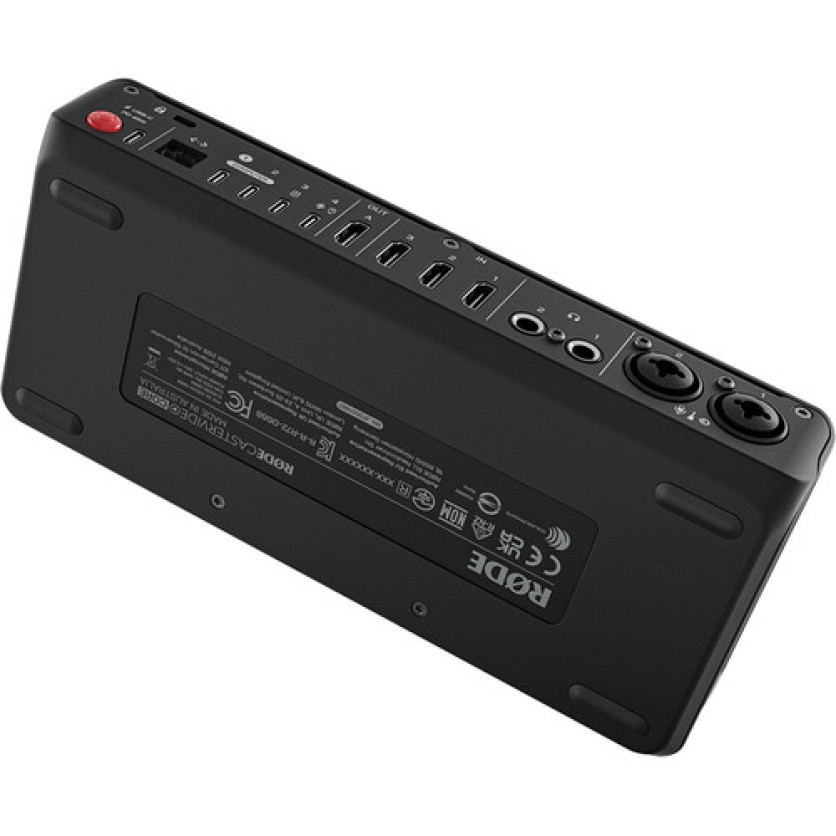
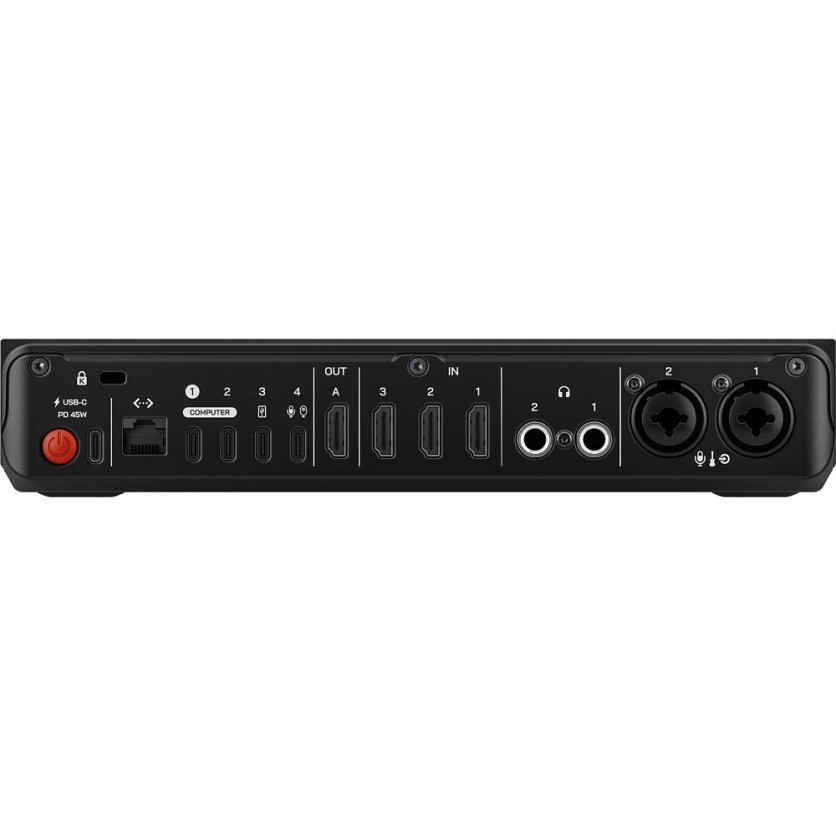
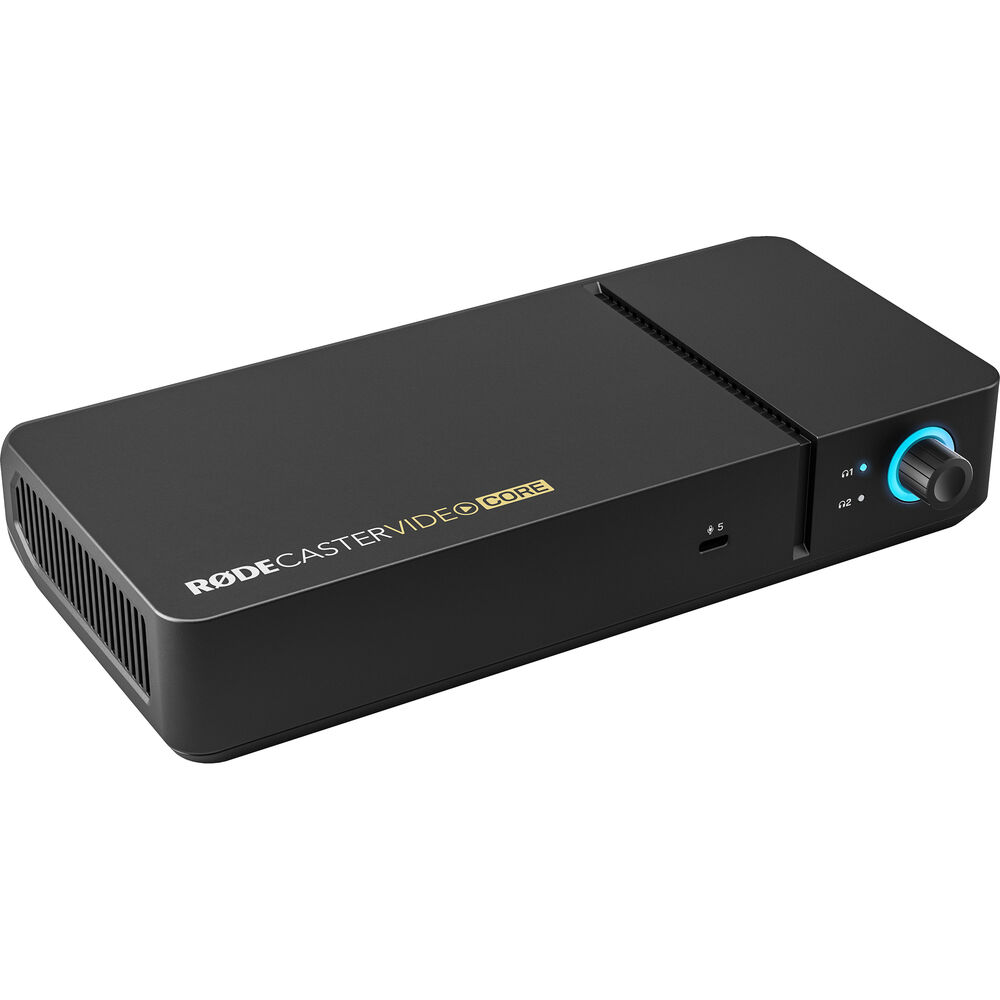
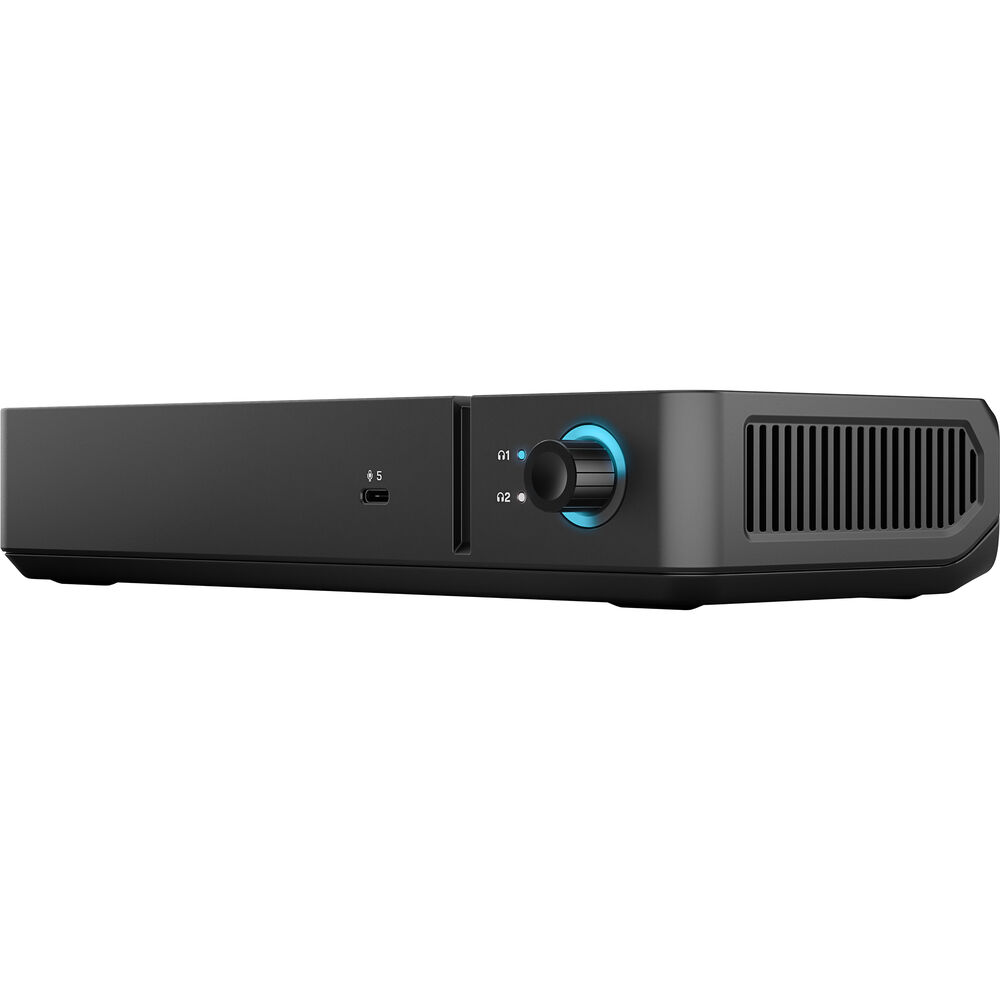
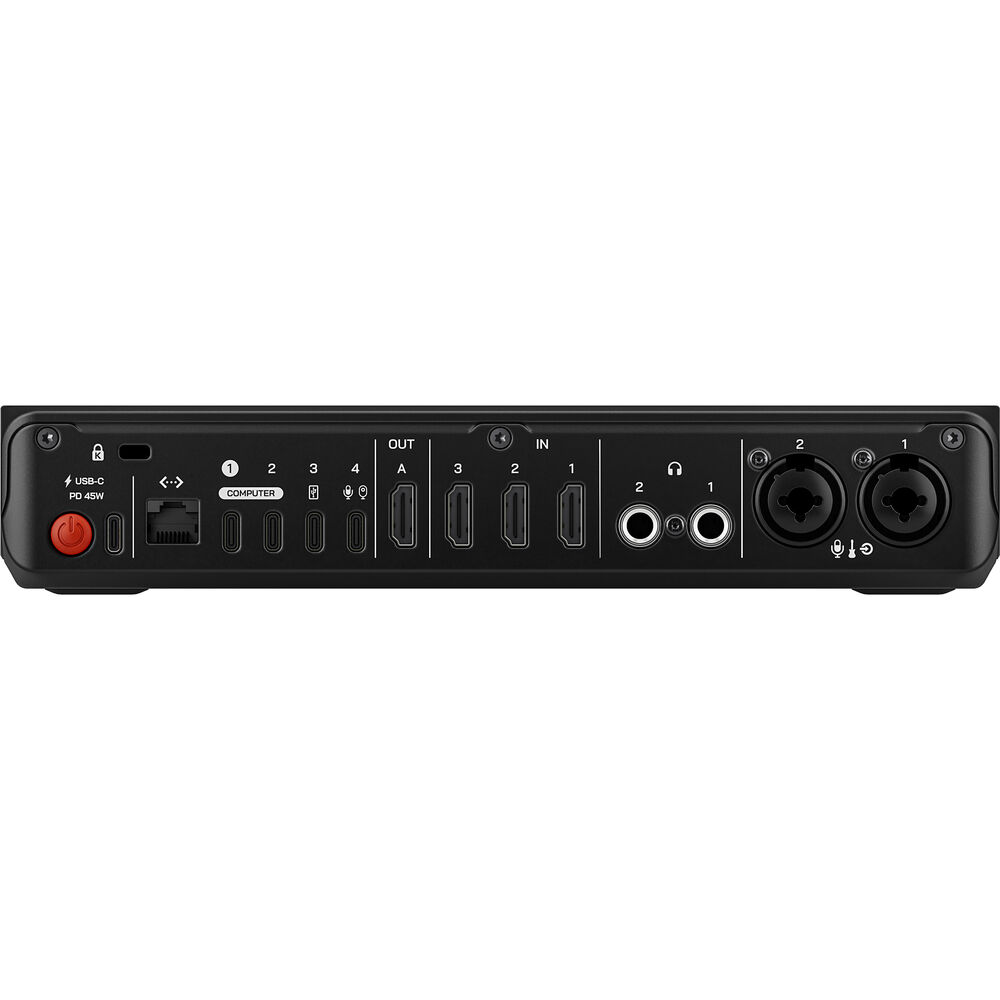
Trade your large-footprint switcher for a more compact, software-based model in your social media, streaming, podcasting, or live event production using the RODECaster Video Core. Like its predecessors, the console blends the best of HD video switching technology with the familiar studio-grade audio control of RODECaster units, all controlled by your personal computer interface. A variety of connectivity options, including HDMI and USB-C ports, accommodate UVC video sources as well as both analog and digital audio sources. Up to 16 possible audio sources, or nine stereo channels, can be routed to the RODECaster Video Core via both wired and wireless connections. Add the RODECaster Video Core to your preexisting RODE audio ecosystem using the USB-C audio ports or RODECaster Sync.
Scale Your Setup with RODECaster Sync
Seamlessly connect your RODECaster Video Core with your preexisting RODECaster Pro II or Duo interface. This allows you to manage both audio and video from a single control surface, expand your inputs and outputs, unlock shared audio mixing and recording, and access advanced video switching functions. All of these features scale effortlessly to meet the needs of your specific production.
Video Interface
The RODECaster Video Core features nine mix-effect layers that can simultaneously display in both preview and program views. Two downstream keyers toggle overlays and logo, two chroma-keyers toggle different backgrounds, and two media players can play simultaneous MP4 video, PNG/JPG photos, or WAV audio from the internal 24GB of storage.
Multiview allows you to visualize both the program and preview, all the live inputs with scene and media thumbnails, the audio mixer and channel status, recording/network/storage status, as well as runtime, date, and time information. Non-destructive setup means the process can be done live or configured as a saved scene without interrupting the flow of your production.
Switch between four 1080p60 video sources—three HDMI and one USB-C—and create up to five complex scenes with multiple layers of video, media, and graphics.
Support for network cameras and PTZ operation can be accessed via NDI support with up to four NDI inputs and one output via Ethernet.
Multifunction USB-C Port
Connect a USB webcam, capture card, or other UVC video source directly to the RODECaster Video Core. You can also integrate a RODE USB microphone or pair the console with the RODECaster PRo II or Duo for a unified audio and video workflow.
Audio Sources
Two studio-grade combo XLR-1/4" jacks on the console are equipped with low-noise, high-gain Revolution Preamps to ensure pristine audio capture from XLR microphones and instruments.
Use digital USB-C ports to connect RODE USB microphones, the RODECaster Pro II, or Duo Audio Production Studios. Other USB-C ports support 2-in/2-out multichannel outputs, mix-minus, and MFi protocols.
Aphex VoxLab audio processing equips the RODECaster Video Core with EQ, compressor, noise gate, high-pass filter, de-esser, Aural Exciter, Big Bottom, and panning effects per channel. Integrated preamps provide up to 76 dB input gain and -131.5 dBV equivalent input noise.
RODECaster Companion App
- Advanced construction of scenes and remote control of the device.
- Configuration of automatic switching based on audio input.
- Advanced configuration and control of audio sources, processing, and routing.
- Configuration for streaming settings and profiles.
- Advanced settings and customizations for device configuration.
Intelligent Auto-Switching
The RODECaster Video Core's intelligent auto-switching makes for seamless and creative hands-free switching between video sources. Any audio input can be linked to any video source, allowing intelligent level detection to automatically trigger switching when your talent is speaking to follow the conversation. Switching priorities and screen time algorithms gives it a natural feel as if a producer or technical director were calling the shots.
Creative Tools
- Graphics overlays: Access and arrange custom logos, watermarks, lower-thirds, and other assets.
- Media player: Integrate video files, images, and sound into your production.
- Multisource layouts: Configure multiple video sources into arrangements like picture-in-picture, split screen, and more.
- Automatic keying: Apply an automatic chroma key to your input.
Intuitive Streaming and Recording
Stream directly to major platforms like Facebook, YouTube, and Twitch via Ethernet connection. Record directly to an external USB storage device, including isolated (ISO) recording for more flexible post-production workflows. You can record your program feed as an H.264/AVC MP4 file with embedded AAC stereo mix. Multiple audio tracks can be recorded as nine independent stereo WAV files. Export EDL files for DaVinci Resolve to streamline post-production workflows. Your switch points, transitions, media, overlays, and timeline data are directly imported into your edit to avoid needing to rebuild your live production.
RODE Capture App
The RODE Capture app transforms your iPhone into a high-quality podcast camera. Integrating your phone helps facilitate dual-cam streaming straight from your mobile device for effortless setup.




 In Stock
